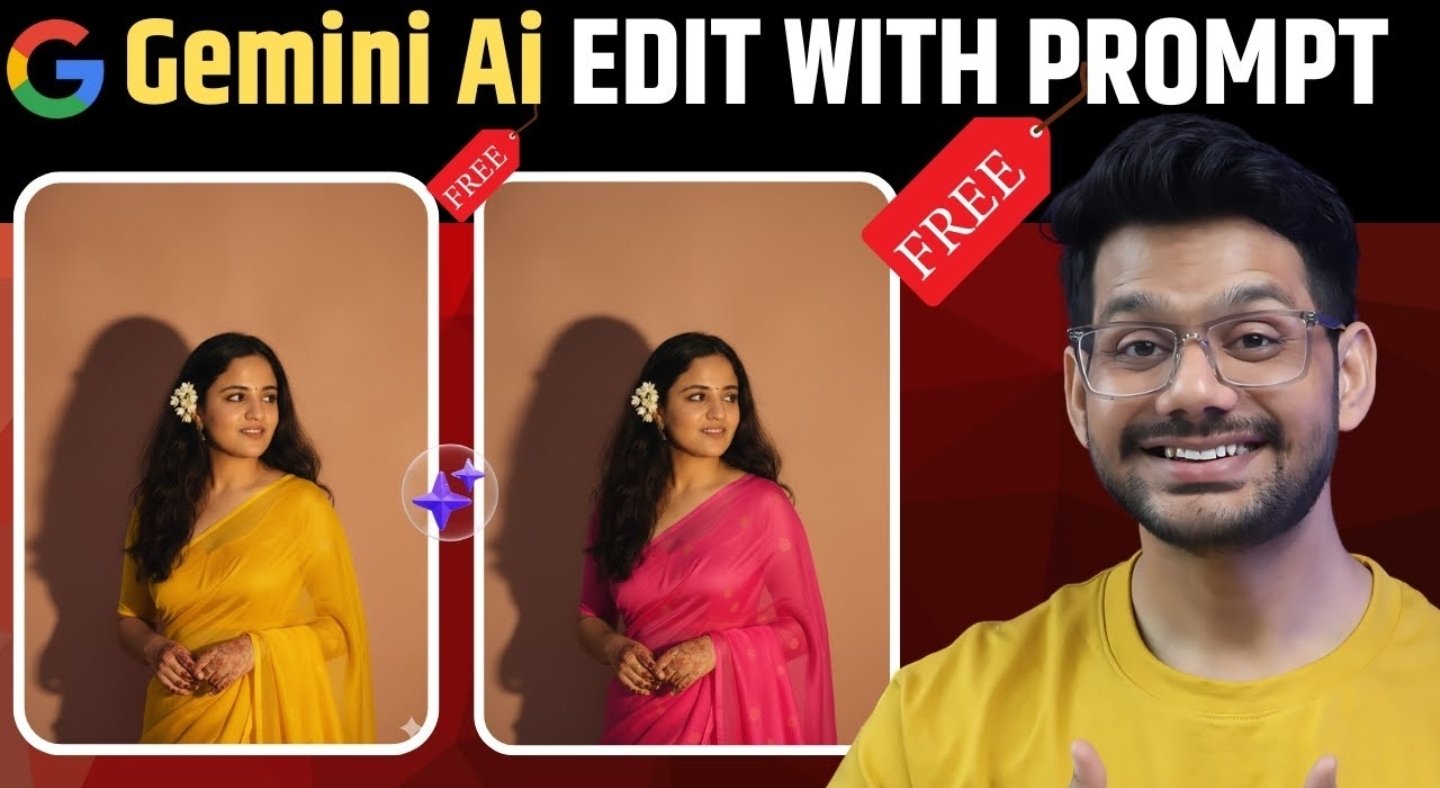
Google Gemini AI Nano Banana
How to Create Google Gemini Al Nano Banana image To generate an image of a Google Gemini AI Nano Banana, one may begin by accessing the Gemini application or website. Subsequently, a detailed prompt should be provided, outlining the desired characteristics of the image.
For instance, a prompt could be, “Create a 1/7 scale commercialized figurine of a nano banana character in a realistic style, situated on a computer desk.” This process is offered without charge and leverages Google’s most current AI model, which is integrated into Gemini’s image generation capabilities.
Here is a step-by-step guide:
First, open the Google Gemini application or navigate to the Gemini website to utilize the Nano Banana image generator.
Next, select the “photo + prompt” option, which is recommended, allowing you to either upload a reference photo or begin with a prompt.
Then, construct a clear and descriptive prompt that specifies the subject, style, environment, and any optional creative details.
For the creation of figurines, the suggested prompt is: “Create a 1/7 scale commercialized figurine of the characters in the picture, in a realistic style, in a real environment. The figurine is placed on a computer desk. The figurine has a round transparent acrylic base, with no text on the base…”
Finally, click “Generate” and allow a brief moment for Gemini to produce the image.
Could you please examine the image and, if necessary, modify the prompt or provide a different photograph to enhance the outcomes?
For optimal results, please consider providing a detailed prompt, including specifics about the composition, artistic style, and the intended setting.
You are welcome to further refine the image by instructing Gemini to edit, combine, or modify particular aspects, such as adjusting the lighting or substituting an element.
Nano Banana is particularly adept at preserving the consistency of characters throughout edits and generations.
For developers, Gemini Nano Banana image generation is also accessible through an API, utilizing a text prompt and supporting REST and Go code for bulk or programmatic generation.
By following these steps, anyone can generate imaginative and realistic Nano Banana images using Google Gemini AI tools without any cost.
The most effective prompts for transforming a photograph into a Nano Banana figurine generally include explicit instructions, the desired style, the pose, and the context for displaying the figurine.
These prompts aim to assist Gemini AI’s Nano Banana model in generating high-quality, collectible-style miniatures while maintaining the character’s essence from the original photo.
Examples of Excellent Nano Banana Figurine Prompts:
Collectible Figurine with Display Context
“Please generate a 1/7 scale commercialized figurine of the character depicted in the image, rendered in a realistic style, within a realistic setting. The figurine should be positioned on a computer desk. The base of the figurine should be a round, transparent acrylic, devoid of any text.
The computer screen should display a 3D modeling process of the figurine itself. Adjacent to the screen, include a toy packaging box, designed in the style of high-quality collectible figures, featuring original artwork. The packaging should incorporate two-dimensional flat illustrations.”
3D Miniature with Pose and Material
Could you please generate a figure that accurately represents the person’s appearance, hairstyle, attire, and characteristic style as depicted in the provided photograph? The image should be highly detailed, with studio lighting and photorealistic textures, set against a pure white background.
Could you please create a close-up, professionally composed photograph featuring a hand-crocheted yarn doll gently held by two hands? The doll should have a rounded shape and feature the adorable chibi image of the uploaded character, with vibrant contrasting colors and intricate details.
The background should be blurred, depicting an indoor setting with a warm wooden tabletop and natural light. The image should convey a sense of exquisite craftsmanship and warmth.
Here are some helpful tips for crafting prompts: It is advisable to begin prompts with action words such as “Create,” “Generate,” or “Draw.”
Please specify the details of the figurine, including its scale, pose, style (such as realistic, chibi, plush, or Funko Pop), environment, and base or packaging context.
To ensure accurate representation, it is recommended to mention maintaining identity or using phrases such as “same person” or “identity preserved.”
For creative variation, it is suggested to refine prompts progressively by changing the pose, scale, or accessories.
These ready-to-use prompts are designed to produce consistent, collectible-quality Nano Banana figurine images based on the uploaded photographs.
To ensure the accurate representation of identity and facial features in Nano Banana outputs, it is advisable to employ detailed prompts that specifically request the “maintenance of identity.”
It is also recommended to clearly reference the original photograph and explicitly state that facial features should remain faithful to the source image. For optimal results, please consistently upload high-resolution, front-facing photographs with good lighting, while avoiding extreme angles, group shots, or any visual obstructions.
Best Practices
For more accurate modeling, consider requesting a “realistic style” or a “faithful likeness” within the prompt.
Clear, close-up, high-resolution images are known to yield the best identity preservation.
In the prompt, it is beneficial to specify: “maintain the same facial features and expression as the reference image.”
If inconsistencies arise in the results, it may be helpful to refine the prompt to emphasize the significance of the reference image’s appearance (for example, “Preserve the same facial structure, hairstyle, and expression”).
By adhering to these strategies, Nano Banana is more likely to generate figurines that closely resemble the subject’s original identity and facial details.