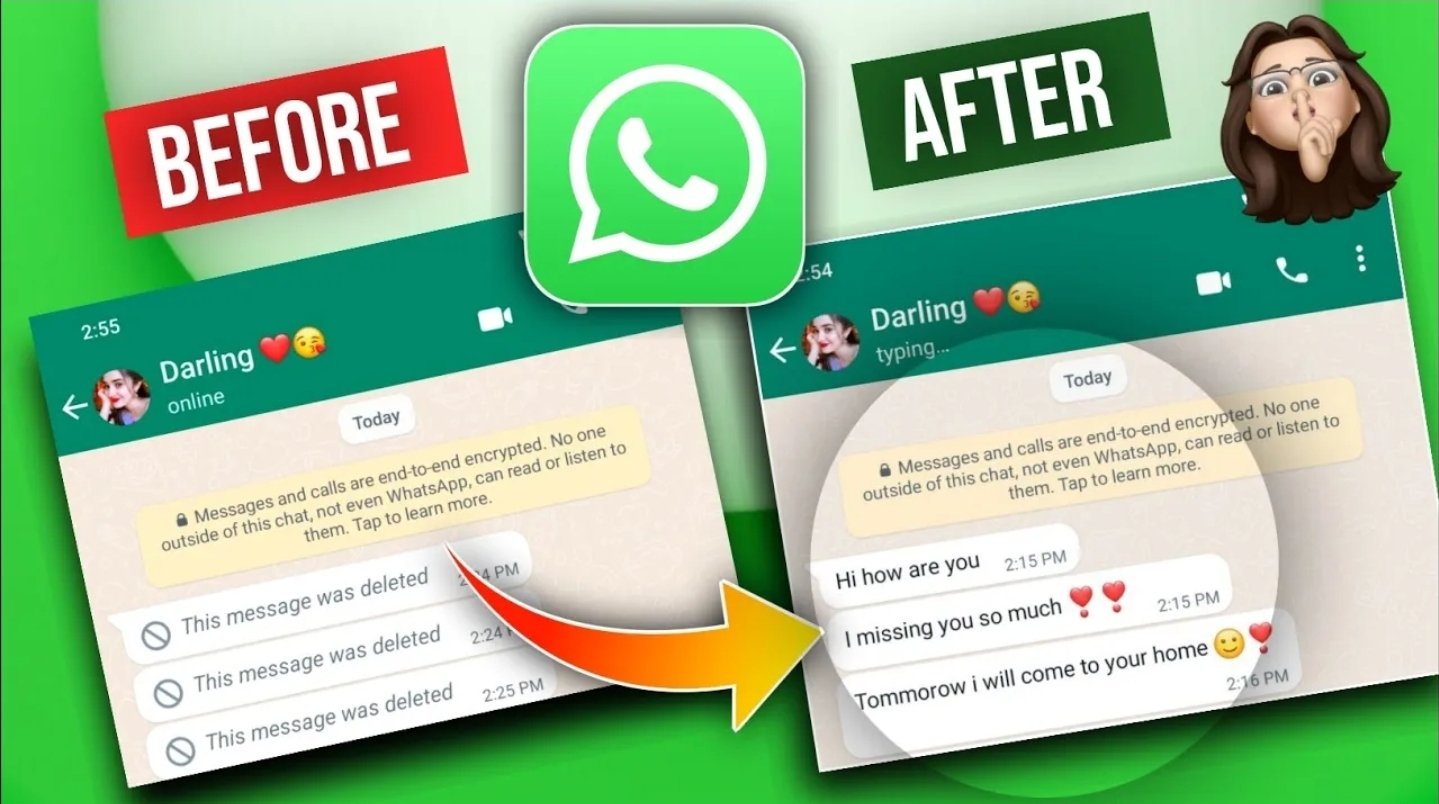
WhatsApp deleted messages recovery
WhatsApp deleted messages recovery ? To ensure a WhatsApp message is no longer visible to others, the “Delete for Everyone” feature can be utilized,
which is accessible for up to two days after sending a message in both individual and group conversations. This action replaces the original message with the notification “This message was deleted” for all participants in the chat.
Here’s how to delete WhatsApp messages for everyone:
First, long-press the message you wish to delete within WhatsApp.
Then, tap the delete (trash can) icon located at the top of the screen.
Finally, select “Delete for Everyone” to remove the message from the chat for all participants.
Group administrators also have the ability to delete messages sent by other group members using the same method.
Key Considerations and Limitations:
The “Delete for Everyone” option is only available for messages sent within a two-day timeframe.
Both the sender and recipients must be using the most recent version of WhatsApp for the deletion to be successful.
It’s important to note that recipients using iOS may still have media saved on their devices, even after the WhatsApp message has been deleted.
WhatsApp does not provide notification to the sender if the deletion is unsuccessful.
Messages deleted by group administrators cannot be recovered or appealed.
Regarding deleted messages, it is important to note that once a message has been deleted for everyone within WhatsApp, it is generally no longer accessible within the application.
While some third-party applications and notification history features might potentially allow for the recovery or viewing of deleted messages, particularly if notifications were received prior to deletion, it is important to understand that this is not officially supported and may pose certain privacy risks.
Deleting a WhatsApp message for everyone serves to ensure that others are unable to view the content, although a trace of the deletion will remain visible within the conversation.
Here are the steps for permanently removing a message:
To begin, please open the WhatsApp chat containing the message you wish to remove.
Subsequently, please tap and hold the message until the available options appear.
Then, kindly tap the trash icon and select “Delete for Everyone.”
Finally, please confirm the deletion, and the message will be removed and replaced with a deletion notice for all participants in the chat.
In group chats, administrators have the capability to permanently delete any member’s message for all members.
Concerning limitations and potential solutions:
The official “Delete for Everyone” feature is limited to messages sent within the last two days.
Recipients may still have media, such as photos and videos, saved to their device if they were downloaded prior to deletion.
For older messages, a possible workaround involves adjusting the device’s date and time settings to a time before the message was sent, which might allow deletion for everyone. However, this method is not officially supported and may not function consistently on all devices.
It is important to note that even after deletion, a message indicating that a deletion took place will remain.
There are several approaches to potentially viewing WhatsApp messages that have been deleted for everyone:
Restoring from a backup: If the message was backed up prior to its deletion, uninstalling and reinstalling WhatsApp, followed by restoring the chat backup, may allow you to recover the deleted message.
Utilizing notification history: On Android devices, enabling the notification history or log can provide a way to view deleted messages if they were previously displayed as notifications.
Examining the “Inspect Element” feature on WhatsApp Web: When using WhatsApp Web, right-clicking within the chat, selecting “Inspect,” and searching the HTML code may reveal deleted messages that are still present in the source.
Exploring third-party applications: Certain applications claim to recover or display deleted WhatsApp messages, often by accessing notification history or backups.
Observing replies or quotes: If you have quoted or replied to a message before it was deleted, the original message may still be visible within the reply or quote.
Furthermore, WhatsApp generally permits deletion “for everyone” within approximately two days of sending. Messages deleted in this manner will be substituted with a “This message was deleted” notification, which is visible to all individuals involved in the chat.
If a recipient viewed the message prior to its deletion, they are already aware of the content. Notification history or backup methods may offer a means of viewing the deleted content.
For the purpose of regularly viewing deleted messages, the notification history feature on Android presents the most straightforward built-in approach, while restoring from backups represents a more significant measure.
Employing Inspect Element is a more technical approach and is applicable solely to WhatsApp Web. Third-party applications can be utilized, but it is advisable to exercise caution due to privacy considerations.
These methods provide a summary of how deleted WhatsApp messages, which have been deleted using the “delete for everyone” feature, can be accessed or viewed.
To recover deleted WhatsApp messages on an Android device by viewing the notification history, please follow these steps:
First, open the Settings application on your Android phone.
Then, navigate to “Apps & Notifications” or simply “Notifications,” depending on your device.
After that, tap on “Notification history.”
If the notification history is currently disabled, please enable it.
Once enabled, all incoming notifications, including those from WhatsApp, will be saved.
If a WhatsApp message is deleted for everyone, you can access the notification history to view the original message that was received before it was deleted.
Please keep in mind the following important points:
This feature is available on Android 11 and later versions.
It is only effective if the notification was received before the message was deleted.
It primarily retrieves text messages and typically does not recover media files such as images or videos.
The notification history retains notifications for a limited duration, usually 24 hours.
This built-in feature offers a simple method for reading deleted WhatsApp messages without the need for any third-party applications.